
Website
Forgot your password? You can choose a new one in a minute.
How to reset your password
Here's a step-by-step guide:
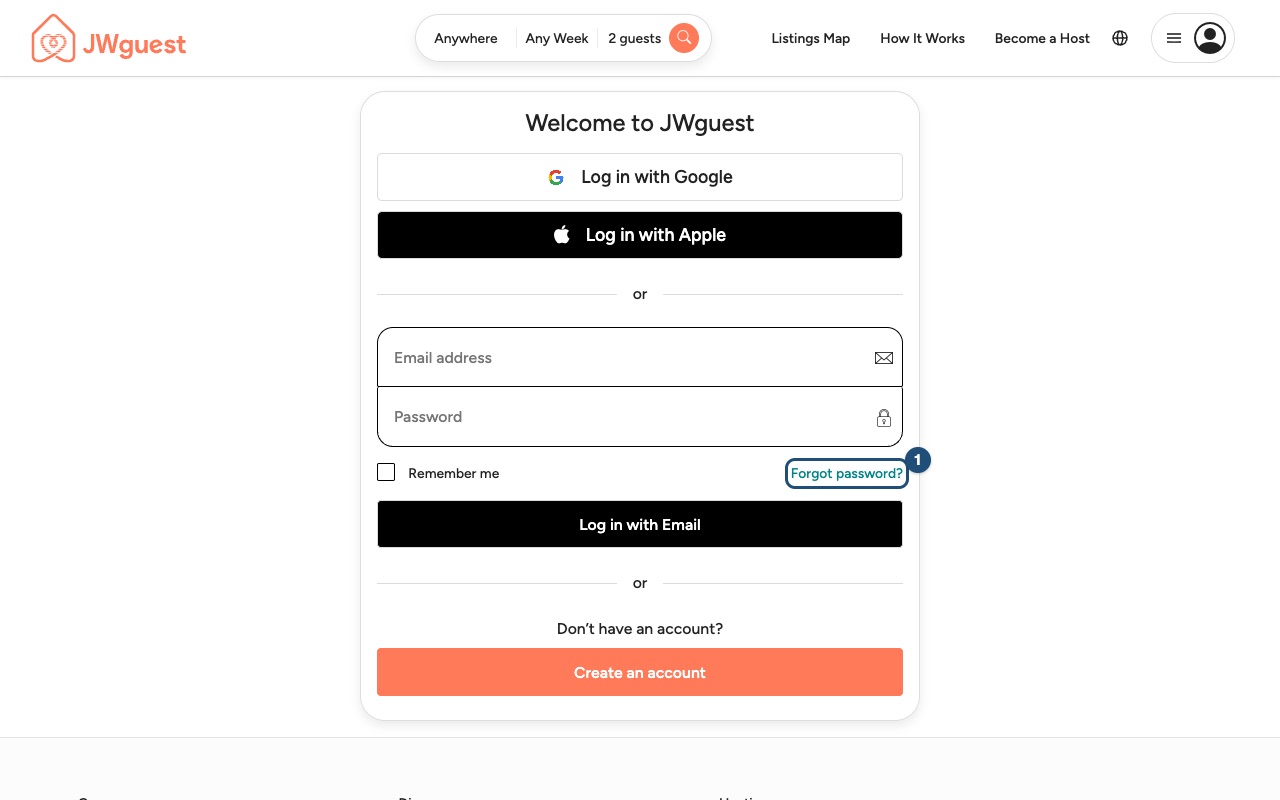
Go to Log in: Click the menu at the top right (the icon with three lines and your avatar), then Log in. Under the password field, click Forgot password? (1).
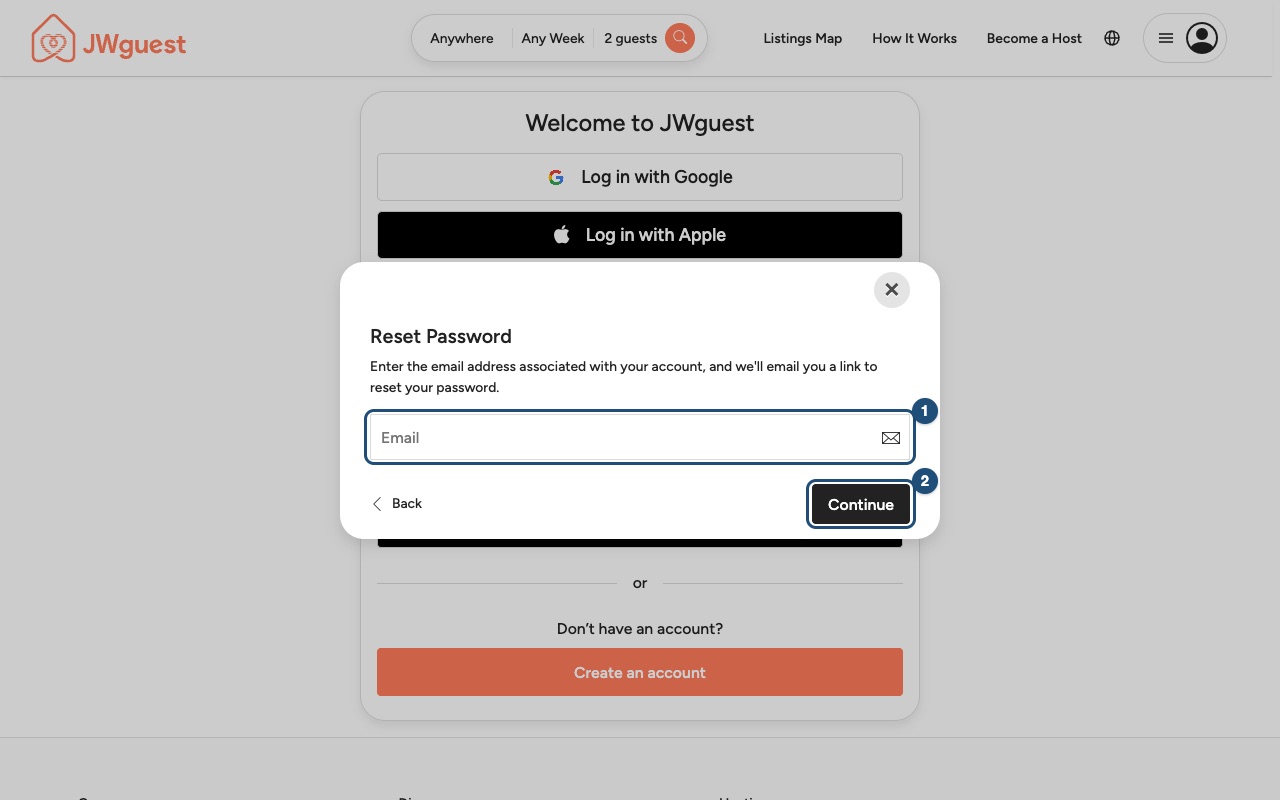
Enter your email: Type the email address of your JWguest account (1) and click Continue (2).
Check your inbox: We'll email you a link. Open it and choose a new password. If you don't see the email within a few minutes, check your spam folder.
Still can't log in? Contact us.
Mobile browser
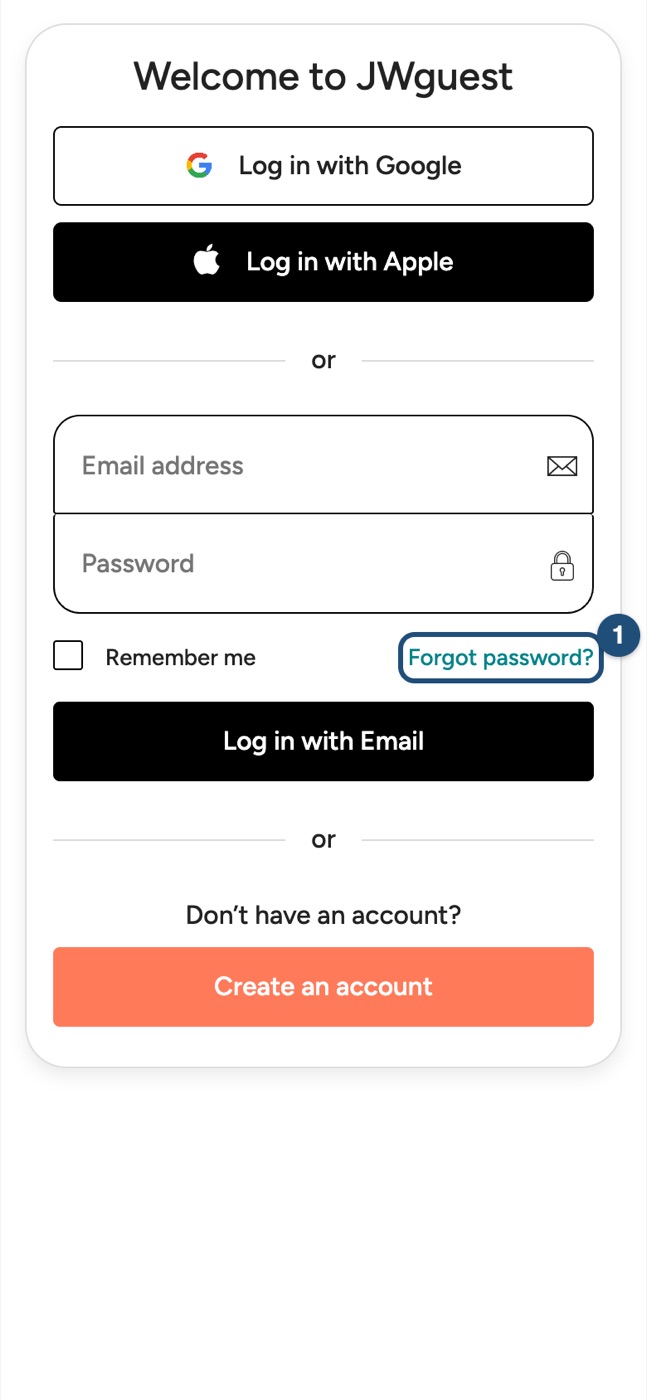
Go to Log in: Tap the menu (three lines, top right), then Log in. Under the password field, tap Forgot password? (1).
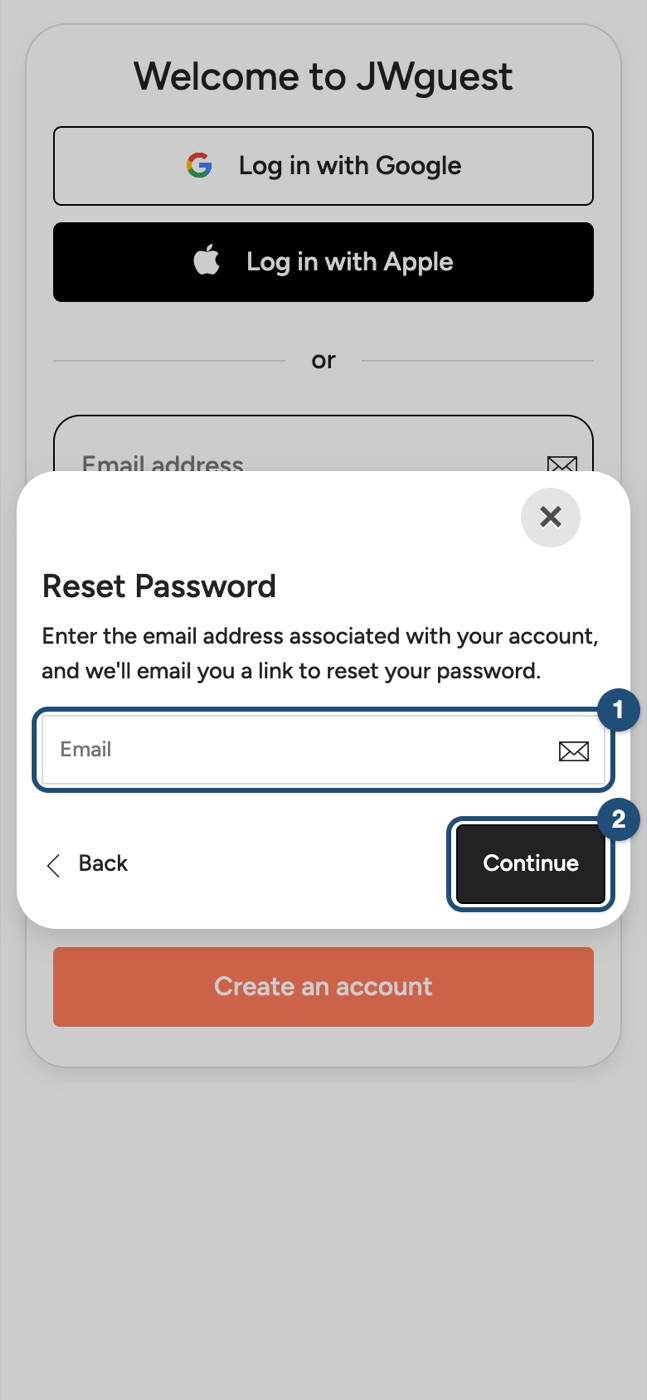
Enter your email (1) and tap Continue (2). Open the link we email you and choose a new password.
To check before publishing
- Screenshots come from staging, which is a little ahead of production: the buttons Send special offer and Full-time servant discount on the request page may not be in production yet. Retake on production with a test host account, or crop them out.
- Status labels in the Inbox (Pending, Pre-Accepted, Inquiry) appear in the account language even when the page is in English: the screenshots show the English labels. Bug to fix (see the report).
- Empty description fields in the listing editor show
""instead of being empty (visible in the mobile screenshot of Guest Access). Bug to fix. - Expired reviews still show a "Write your review" button: check whether it works or should be hidden.
- Article 3 says "Requests left without an answer reduce the visibility of your listing", which is the text on the request page; the Terms say the request "will expire automatically". Both are true; confirm you want the visibility sentence in the Help Center.