
Need assistance accessing your account? Looking to modify your profile or update your account details? Don't Worry! Here, you'll discover instructions on resetting your password, uploading a fresh profile picture, or altering your email address.
To access your account, visit the JWguest website or open the app on your device.
Locate the "Sign Up" or "Log in" button in the upper right corner and click on it, or click on our login link: https://jwguest.com/login.
Access through your email
Enter your registered email address, username, and password, and click "Sign in" or "Log in." Upon successfully verifying your credentials, you'll gain access to your account and its features.
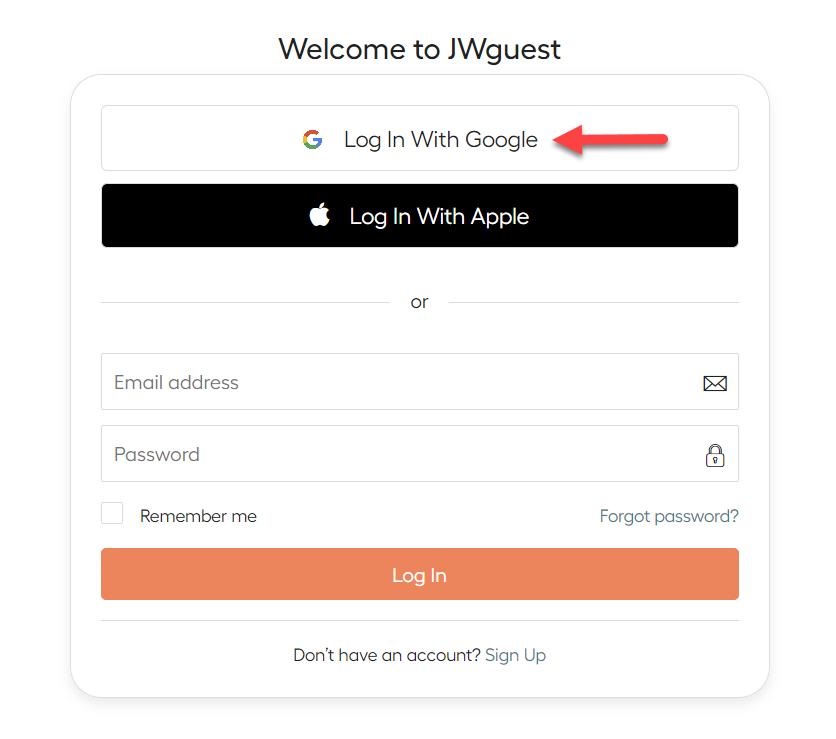
Access through a Gmail account
Click the Log In With Google button, and authenticate your email with your credentials.
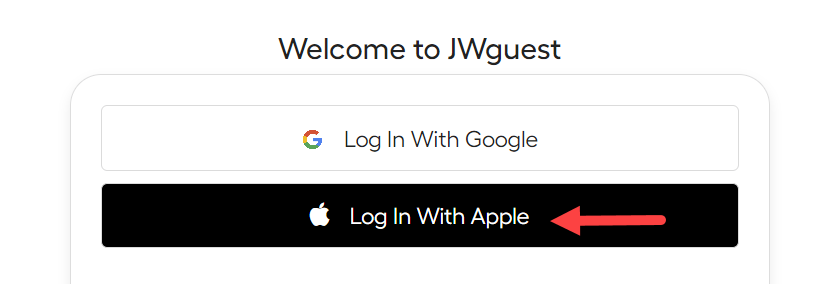
Access through Apple
Click the Log In with Apple button, and authenticate your email with your credentials.
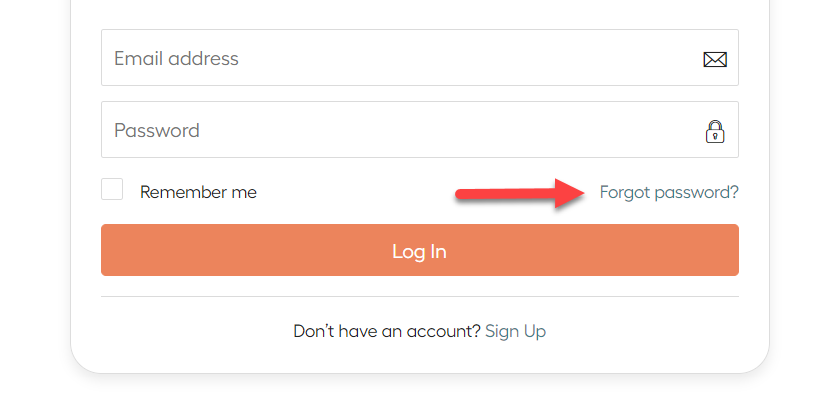
Reset your Password
If you're experiencing difficulties signing in to your account, consider resetting your password (it's simple—visit the Log in page and click on Forgot password?.)
Addressing account-related concerns
If you cannot locate reservation information after logging in, you may have two JWguest accounts. If you have two accounts, we regret to inform you that they cannot be merged, so please select the one you'd like to retain and delete the other account by writing us at [email protected] (bear in mind that any pending reservations on that account will be canceled). This will simplify the process the next time you book or host.